
Google Maps reviews influence trust, calls, website visits, direction requests and the final decision about where to eat. That is why losing 10, 30 or hundreds of reviews overnight can feel like a business emergency.
A missing review does not always mean the restaurant intentionally broke a rule. Google reviews user-generated content with automated systems and human reviewers. Some reviews are removed for genuine policy violations, some are delayed during checks, and occasionally compliant reviews may be filtered by mistake.
The key rule: a restaurant may ask real guests for honest feedback. It may not pay for reviews, offer free coffee or dessert, promise a discount, ask only happy guests, demand five stars or dictate what the customer should write.
Important: Google Business Profile Support can investigate missing reviews and may restore reviews removed in error. Reviews that violate policy are not restored, and there is no guaranteed way to recover every missing review.
Quick answer: what is allowed and what is not?
| Situation | Allowed? | Why |
|---|---|---|
| Table sign: “Thank you for visiting. Share your honest experience” with a QR code | Yes | A neutral, voluntary request without a reward |
| Review link on a receipt, thank-you email, WhatsApp message or post-visit chat | Yes | Google officially allows businesses to share a review link or QR code |
| “Leave a review and get a free coffee” | No | A free product is an incentive for posting |
| “Show your review and receive 10% off” | No | The discount is conditional on the review |
| “If you loved us, leave five stars; otherwise tell the manager” | No | This selectively directs positive customers to Google, known as review gating |
| Asking customers to mention a waiter or use specific phrases | Risky / do not require it | A merchant must not control the content of a review |
| A waiter watches while the guest posts before paying | No | Google prohibits requiring or pressuring users to review while on the premises |
| Asking every real guest for any honest rating | Yes | It reflects a genuine experience without influencing the score or wording |
Google’s official policy allows merchants to encourage reviews that reflect a genuine experience without incentives and without influencing the rating or content. It also prohibits incentivized reviews, selective positive solicitation, pressure, staff quotas and required wording.
1. Reviews in exchange for gifts, discounts or free food
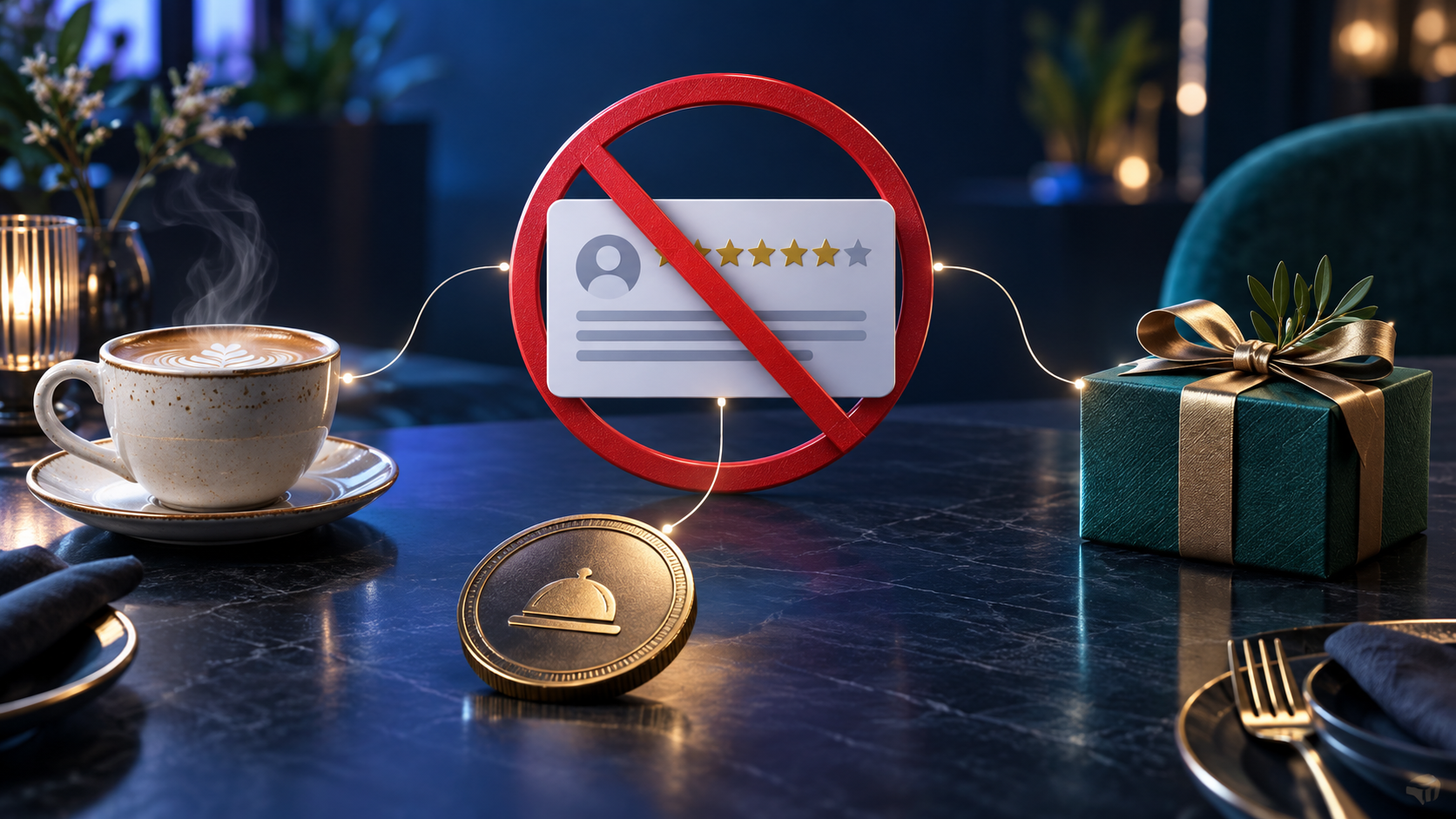
Google considers a review incentivized when any benefit may influence the reviewer. The value of the benefit does not matter, and the restaurant does not have to explicitly request five stars.
Examples include:
- free coffee, dessert, drinks or food for posting;
- a discount on the current or next order;
- loyalty points;
- cashback, promo codes or coupons;
- gifts, merchandise or free delivery;
- contest entry that requires a published review;
- compensation for changing or removing a negative review;
- paying an agency, employee or third party to generate reviews.
Adding the word “honest” does not make the offer compliant. “Leave an honest review and receive a gift” still links a benefit to publication.
What if every guest receives the free item?
A promotion may exist independently from review collection. A restaurant can give every guest a complimentary item whether or not they write a review.
The risk begins when the two actions are connected: “We gave you dessert, so please review us,” “show the posted review to claim your gift,” or “we will credit the bonus after a screenshot.” The safest approach is to separate promotions and review requests in wording, timing and conditions.
2. Table signs, QR codes and a simple “thank you” request
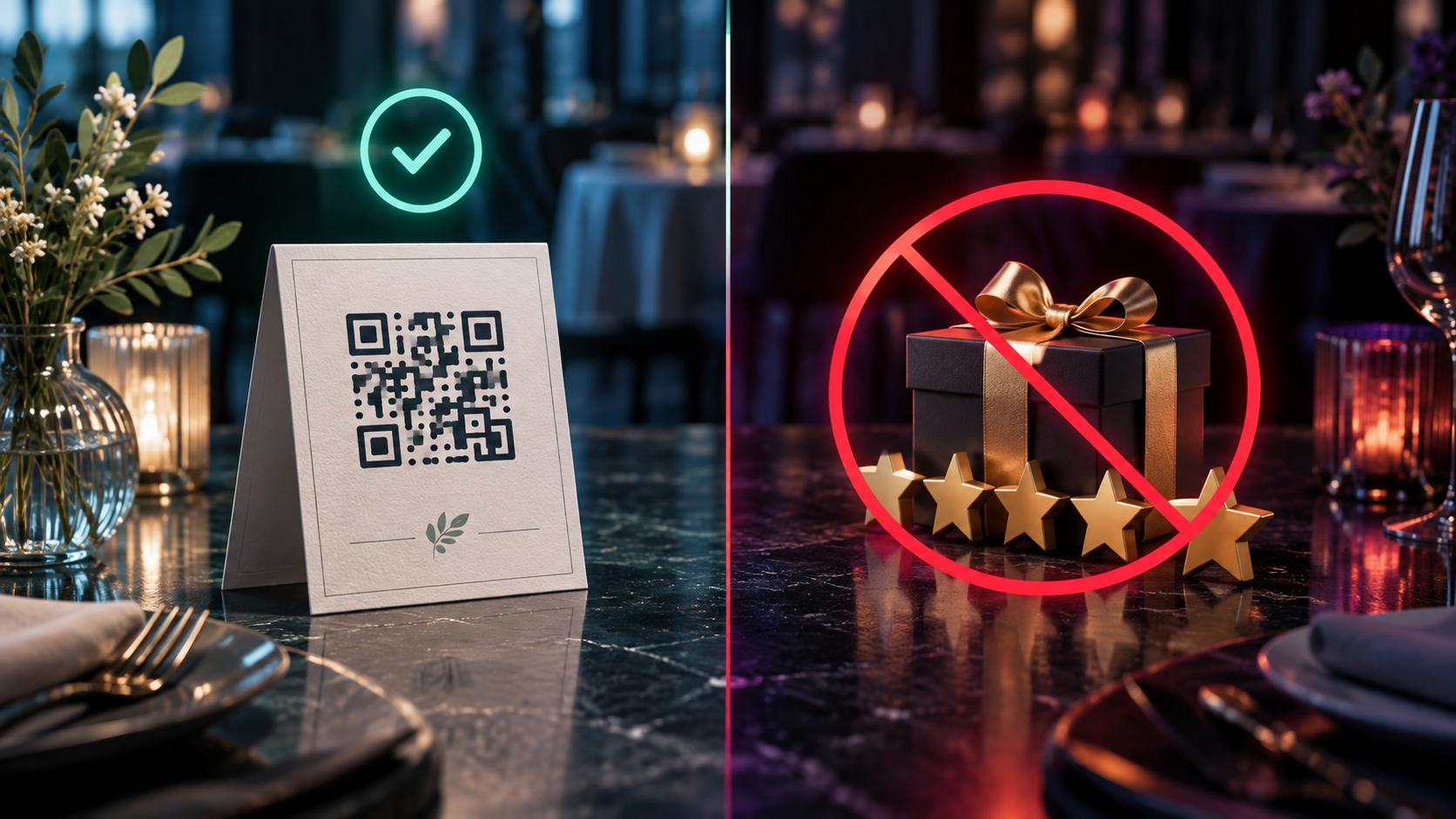
A table sign is not automatically a violation. Google officially recommends sharing a review QR code or link on receipts, in thank-you emails, at the end of a chat interaction and in-store.
A safe message:
Thank you for visiting. Please share your honest experience on Google. Your feedback helps us improve.
Another safe option:
Your opinion matters. Any rating is welcome — tell us what worked and what we can improve.
An unsafe message:
Leave five stars and receive a free coffee.
Another unsafe version:
Had a great experience? Review us on Google. Had a problem? Contact the manager instead.
A “review us as a thank you” message is generally acceptable when “thank you” means appreciation only — not a gift, discount or benefit. Staff should not stand over the guest, check the phone or make the review feel mandatory.
3. Review gating: sending only happy customers to Google

Review gating is a process that first asks whether a guest is satisfied and then:
- sends satisfied guests to a public Google review page;
- routes unhappy guests to a private form, chat or manager;
- reveals the Google link only after a high internal score.
This artificially improves the public rating and is prohibited. A business must not decide who receives the review link based on the rating it expects.
The compliant approach is to invite all genuine guests to leave honest feedback, regardless of whether it is likely to be positive or negative. A private feedback channel may be offered as an additional option, but it should not replace the Google link only for unhappy guests.
4. Pressure, staff quotas and scripted wording
Google does not allow businesses to require or pressure users to post ratings while on the premises. High-risk practices include:
- a waiter remaining beside the table until a review is posted;
- requiring a review to receive the bill, Wi‑Fi, discount or loyalty benefit;
- setting a staff target such as “20 reviews per shift”;
- giving guests text to copy and paste;
- asking specifically for five stars;
- requiring the waiter’s name, a dish name or a keyword;
- asking a customer to edit a negative review in exchange for compensation.
A polite reminder after service is allowed. A review should never become a controlled step in payment, an employee quota or a condition of receiving something.
5. Fake, biased reviews and conflicts of interest
Google removes content that is not based on a real customer experience. Risky sources include:
- owners, managers or employees reviewing their own restaurant;
- former employees reviewing the business in a professional dispute rather than as genuine guests;
- relatives or friends posting at the owner’s request without a real visit;
- suppliers, contractors, consultants or agencies connected to the business;
- competitors attempting to damage the rating;
- purchased, rented or purpose-built accounts;
- one person posting through multiple accounts;
- coordinated review campaigns in groups, chats or review marketplaces.
A team member may genuinely eat at the restaurant, but their employment relationship creates a conflict of interest. A clean reputation strategy should rely on independent guests rather than people with financial or personal ties to the business.
6. Unusual volume and repeated patterns

Google does not disclose the full review-filtering algorithm. It is therefore inaccurate to claim that one signal — such as using the restaurant’s Wi‑Fi — automatically deletes a review.
However, Google’s published policy explicitly refers to unusual volumes or patterns that may indicate rating manipulation. Risk grows when several signals appear together:
- dozens of reviews are posted within minutes or hours;
- wording is nearly identical;
- customers copy a restaurant-provided template;
- many profiles are new and have little contribution history;
- reviews are posted in bulk inside the venue under staff supervision;
- reviews use the same length, structure, dish names and phrases;
- the rating changes sharply after a promotion without a natural change in guest volume.
This does not mean that every new account or shared network causes removal. The concern is a coordinated pattern that resembles manufactured engagement.
7. The review itself violates content rules
Even a genuine customer review may be removed if the content violates Google Maps policy. Common reasons include:
- the review is unrelated to the restaurant or describes another location;
- advertising, promotional links, phone numbers or third-party marketing;
- spam or repetitive content;
- harassment, threats, discrimination or abusive language;
- obscene, sexual, dangerous or illegal content;
- impersonation;
- disclosure of personal information;
- misinformation capable of causing serious harm.
A negative review is not removable simply because the owner disagrees with it. If it describes a genuine experience and does not violate policy, it may remain even when the business considers it unfair or factually disputed.
8. Personal information in reviews
Google may remove reviews that expose sensitive or identifying information, including:
- private phone numbers;
- home addresses;
- private email addresses;
- payment-card or transaction details;
- identity document numbers;
- medical or other sensitive information;
- employee data that could create a risk of harm.
Mentioning a waiter by name is not automatically prohibited, but the restaurant must not require it. A review should not become a vehicle for doxxing, harassment or publishing private information.
9. The review may be delayed rather than deleted
Google checks reviews for policy compliance, so a new review may take several days to appear. Reviews may also be temporarily missing after:
- merging two Business Profiles;
- reinstating a suspended or disabled profile;
- significant profile changes;
- temporary restrictions on user-generated content for a profile or category;
- a reviewer using outdated software or a device with posting problems;
- restrictions applied to the reviewer’s Google Account.
Google specifically advises businesses to contact support when reviews disappear after a Business Profile is reinstated.
What to do when restaurant reviews have disappeared
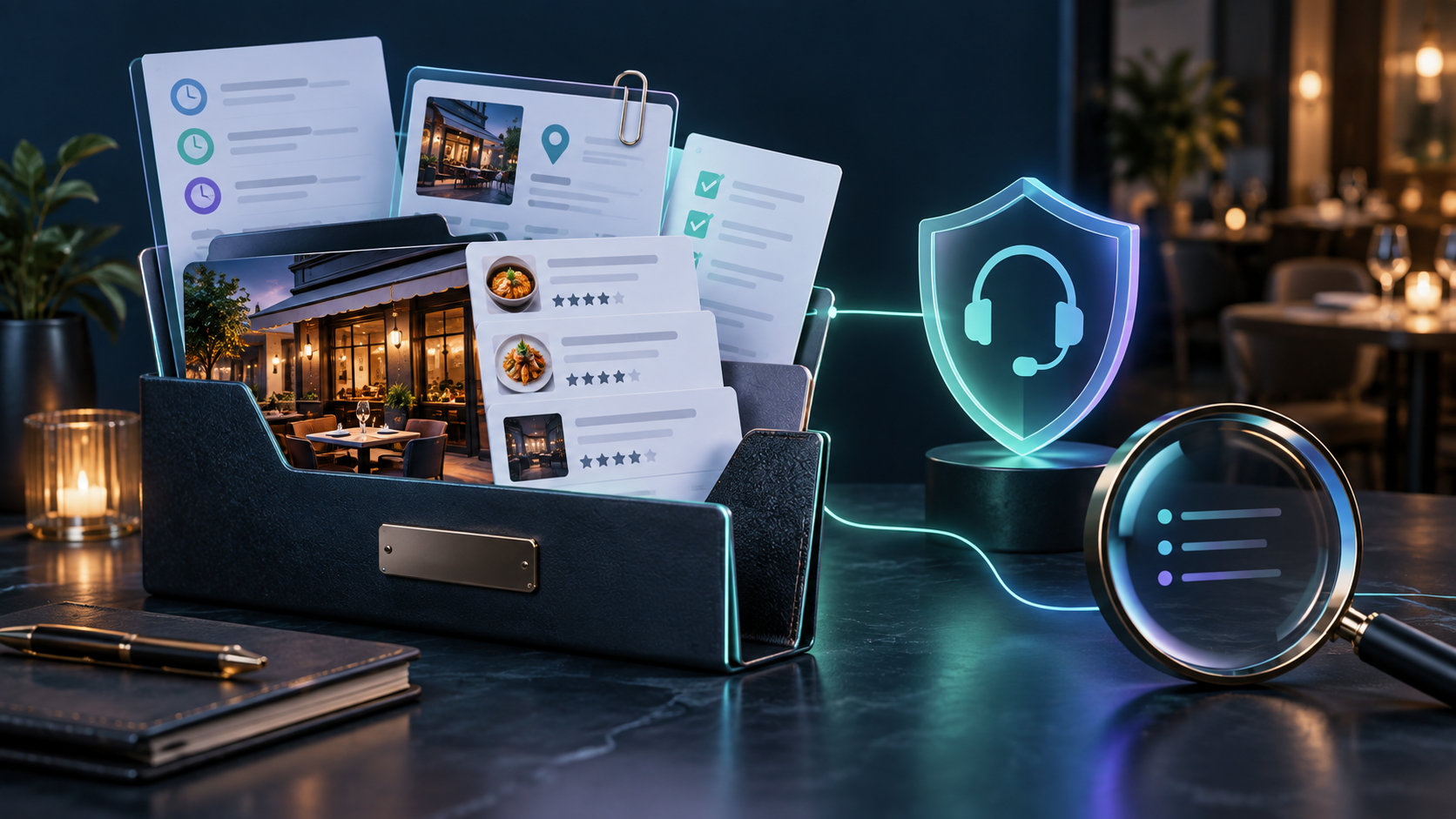
Step 1. Stop questionable collection methods
Do not compensate for the loss with another mass campaign. Remove review rewards, quotas, scripts, review gating and requests for a particular star rating.
Step 2. Check for a delay or profile event
Confirm whether the profile was merged, reinstated, suspended or recently edited. A small number of new reviews may appear after checks are completed.
Step 3. Collect evidence
Prepare:
- the exact restaurant name;
- the Google Maps / Business Profile URL;
- address and primary phone number;
- the approximate number of missing reviews;
- the date the drop was noticed;
- before-and-after screenshots, if available;
- dates of recent edits, merges or reinstatement;
- previous support case numbers;
- a clear statement that the restaurant does not incentivize or selectively solicit reviews.
Do not ask guests for account access or private information. Voluntary screenshots or public reviewer names are enough if support asks for examples.
Step 4. Contact official Google Business Profile Support
Open the official help center:
You can also use the support entry form:
Contact Google Business Profile Support
Sign in with an account that manages the profile, select the business and describe the issue as Missing reviews / Reviews disappeared. Available contact channels can vary by account and country.
Step 5. Request an investigation of possible erroneous removal
Use facts rather than accusations. Ask Google to review whether policy-compliant reviews were hidden or removed by mistake.
Copy-and-paste support template
Hello Google Business Profile Support,
legitimate customer reviews have disappeared from our verified Business Profile. We do not offer payments, discounts, free goods or other incentives for reviews, and we do not selectively request positive reviews.
Business name: [NAME]
Business Profile / Maps URL: [URL]
Approximate number of missing reviews: [NUMBER]
Date the issue was first noticed: [DATE]
Recent profile changes, merge or reinstatement: [DETAILS OR NONE]
Please investigate whether compliant reviews were removed or hidden in error and restore any reviews that meet Google Maps policies. Screenshots and additional details are attached. Thank you.
Step 6. Keep the conversation in one case thread
Save the case ID and reply in the same email thread. Multiple duplicate cases without new evidence can make the history harder to follow. Provide requested information briefly and in a structured format.
Step 7. Set realistic expectations
Support may restore some reviews when a technical issue, profile merge, reinstatement or false positive caused the loss. Reviews determined to violate policy will not be restored.
A compliant restaurant review workflow
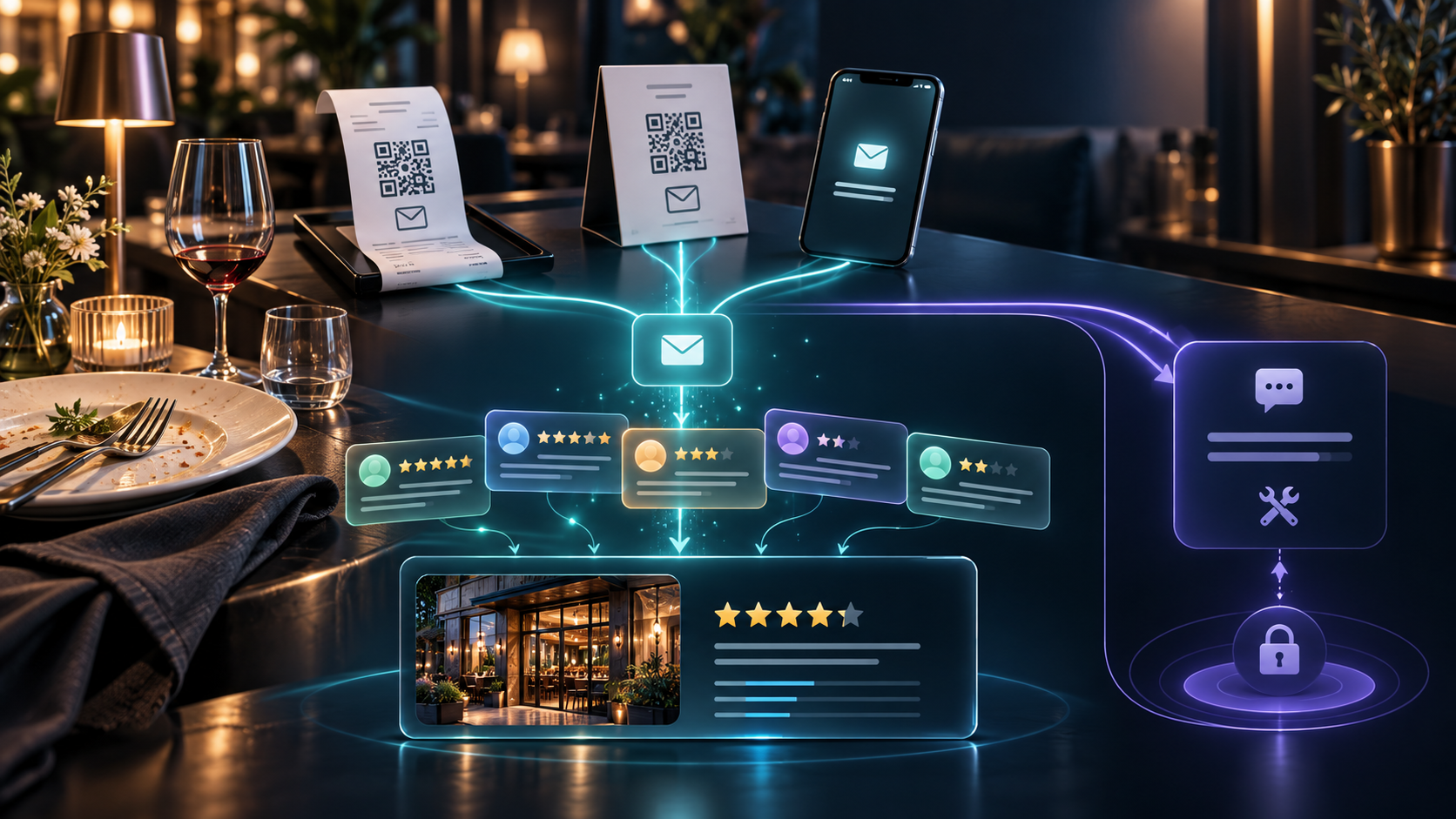
Use a simple process:
- Serve a real guest without linking service to a future review.
- Invite all guests equally to share honest feedback after the visit.
- Provide a direct link or QR code without suggesting a score or wording.
- Offer no reward in exchange.
- Do not check the post on the guest’s phone.
- Do not ask employees to review their own restaurant.
- Do not select only satisfied guests.
- Reply professionally to both positive and negative reviews.
- Analyse recurring operational issues such as waiting time, food temperature, cleanliness, taste and payment delays — not just the star count.
A safe script for staff
Thank you for visiting us. If you have a minute, please share your honest experience on Google. Any feedback helps us improve.
A safe WhatsApp message
Thank you for visiting [Restaurant Name]. We value honest feedback from every guest. You can share your experience here: [REVIEW LINK]. There is no obligation, and any rating is welcome.
Frequently asked questions
Can a restaurant ask guests for a Google review?
Yes. Google allows neutral requests to real customers when there is no incentive, pressure, selective positive solicitation or required rating.
Can we display a QR code on a table or receipt?
Yes. Google officially recommends sharing review links and QR codes on receipts, in thank-you emails, messages and in-store. The request must remain voluntary and neutral.
Can we give a free dessert for any review, including a negative one?
No. The restriction applies to the benefit offered for posting, not only to the purchase of five-star reviews.
Can we ask guests to mention the waiter’s name?
Do not require specific content. A customer may mention a staff member voluntarily, but the restaurant should not turn it into a script or employee KPI.
Why did a genuine guest review disappear?
Possible causes include a policy-check delay, a false positive, a restriction on the reviewer’s account, a profile merge or reinstatement. Gather evidence and contact support.
Will support restore every missing review?
No. Google may restore reviews hidden in error, but content judged to violate policy is not restored.
Conclusion
Restaurants do not need to stop asking for reviews. They need to stop manipulating them. Neutral table signs, QR codes and honest requests are allowed. Rewards, discounts, five-star demands, pressure, selective positive solicitation and reviews from connected parties create removal and profile-restriction risks.
When reviews are already missing, document the facts and contact official Google Business Profile Support. A clean review process and a precise support case give the best chance of recovering reviews removed by mistake.
How Alex Digital can help restaurants
Alex Digital audits restaurant Google Business Profiles and local SEO: reviewing collection methods, identifying policy risks, analysing rating drops, preparing support cases and building a compliant system for generating genuine customer feedback — without buying reviews or using grey-hat schemes.